使用google Material 图标
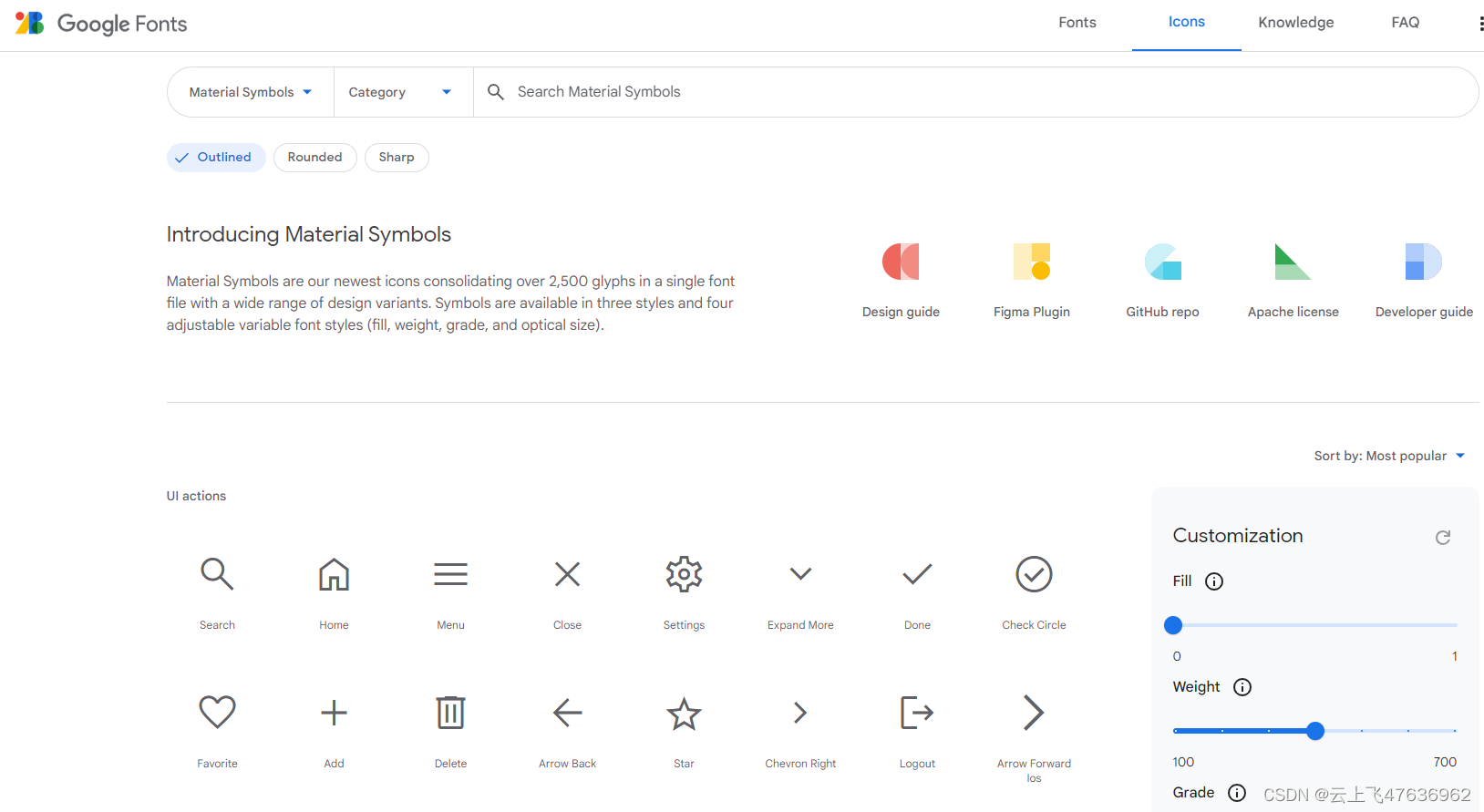
## 浏览 谷歌Material图表库网址:https://fonts.google.com/icons?hl=zh-cn
使用google Material 图标
浏览
谷歌Material图表库网址:https://fonts.google.com/icons?hl=zh-cn
可直接在线浏览各个图标的样子以及字符串表示
使用npm安装
网址:https://github.com/marella/material-icons#readme 安装命令:
npm install material-icons@latest
CSS引用
在项目的主文件中引入css文件 (example: src/index.js in Create React App, src/main.js in Vue CLI):
import 'material-icons/iconfont/material-icons.css';
使用
在html中使用图标时,设置好class和对应的图标名称即可,见下面代码示例:
<span class="material-icons">pie_chart</span>          <!-- Filled -->
<span class="material-icons-outlined">pie_chart</span> <!-- Outlined -->
<span class="material-icons-round">pie_chart</span>    <!-- Round -->
<span class="material-icons-sharp">pie_chart</span>    <!-- Sharp -->
<span class="material-icons-two-tone">pie_chart</span> <!-- Two Tone -->
评论
站内评论 · 提交后立即公开 · 无需审核
还没有评论,来写下第一条吧。